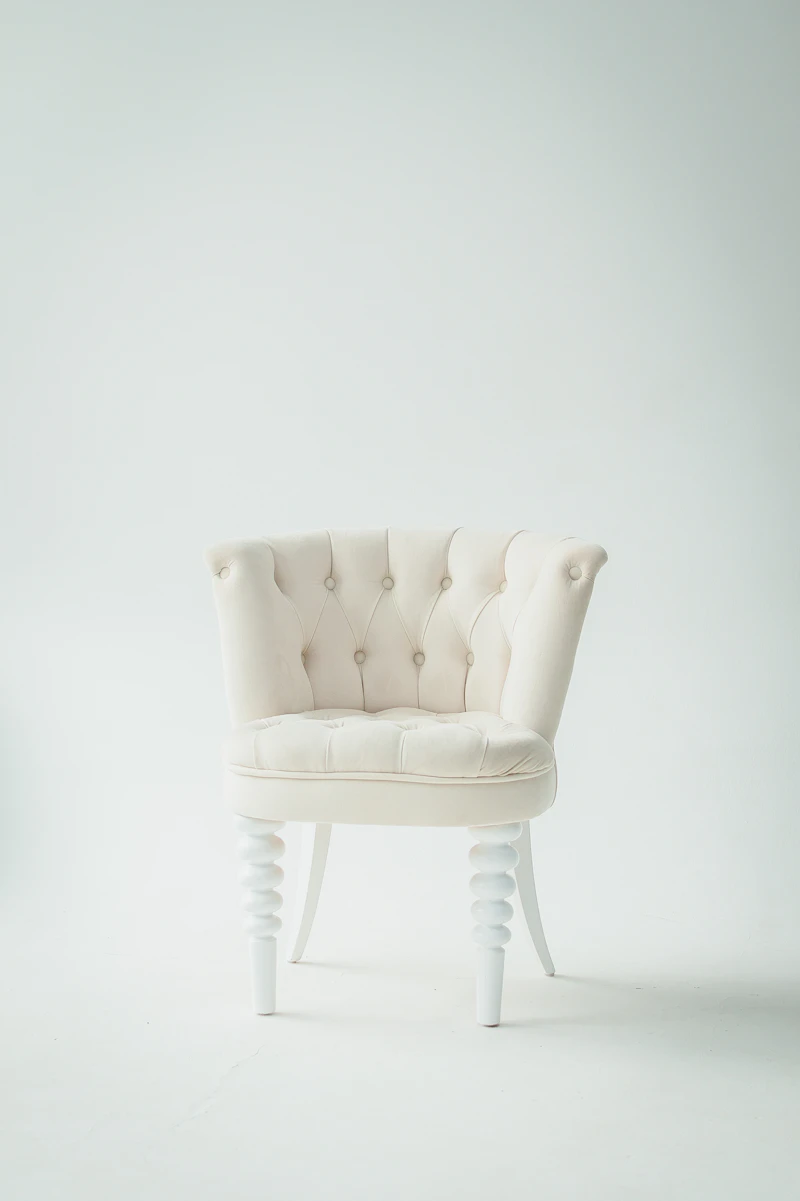
This is a smart demo post generated to test the typography, spacing, and layout styling of your custom Ghost theme. It includes multiple headings, lists, quotes, and media assets to ensure everything looks premium.
1. Exploring the Visual Design System
Modern publishing platforms require clean layouts, readable grids, and polished typography. Ghost CMS uses Handlebars templates to render data, but the visual appeal depends entirely on how the CSS rules handle different HTML elements generated by the editor. We've included this sample paragraph to check font sizing, line height, and color contrast ratios.
- Typography: Ensure headings have proper hierarchy (H1 down to H6).
- Color Contrast: Text must be readable in both light and dark modes.
- Responsive Grids: Layouts must adapt seamlessly to tablets and mobile devices.
"Good design is obvious. Great design is transparent. The goal is to create a seamless reading experience where the user focus remains entirely on the story." — Design Team
2. Code & Dynamic Components
Technical publications often require syntax highlighting and pre-formatted code blocks. Below is a code block to check how pre and code tags are rendered inside the theme:
function greetGhost(user) {
  console.log(`Welcome to the Ghost CMS theme demo, ${user.name}!`);
  return {
    status: "success",
    timestamp: Date.now()
  };
}
Key Capabilities
The theme has been verified against the full range of Koenig editor primitives so that membership tiers, sign-up flows, and responsive layouts all render consistently:
- Membership: tiers, signup, and signin states are fully supported.
- Responsive CSS: custom responsive utilities are verified across breakpoints.
- Native cards: images, quotes, lists, and code blocks map to native Ghost editor cards.
This completes the post demonstration. Feel free to use the Ghost admin to edit, remove, or customize any of this content after importing the JSON file.